
RMM Solutions: Benefits & The Future of IT Management
This blog explores the key features, benefits, and future trends of Remote Monitoring and Management (RMM) solutions.

Key Features of RMM Solutions
One of the standout features of RMM solutions is remote monitoring. This capability allows IT administrators to oversee the health and performance of devices and networks from a centralized location. It includes monitoring system metrics such as CPU usage, memory consumption, and disk space, ensuring that any anomalies are quickly identified and addressed. Remote monitoring also extends to network traffic, helping to identify potential security threats and bandwidth issues. Automated maintenance is another crucial aspect of RMM solutions. This feature helps in scheduling routine tasks like software updates, patch management, and system clean-ups. Automated maintenance ensures that systems are up-to-date with the latest security patches and software versions, reducing the risk of vulnerabilities. Additionally, performance reporting provides detailed insights into system performance and health, allowing IT teams to make informed decisions based on accurate data.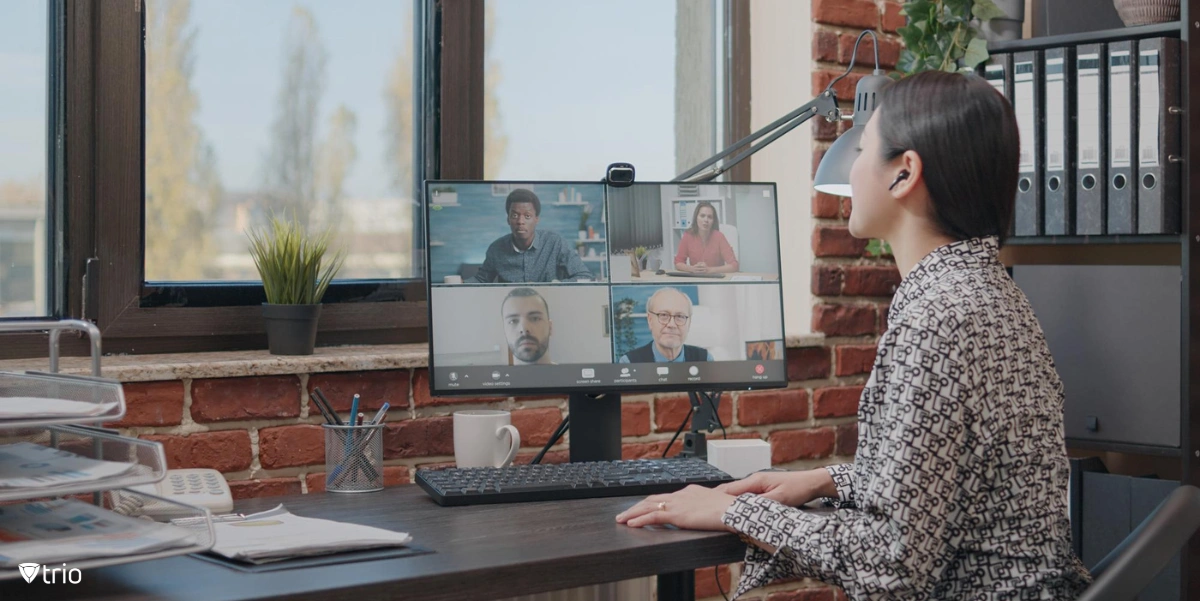
RMM vs. MDM/EMM: Understanding the Differences
While RMM, MDM (Mobile Device Management), and EMM (Enterprise Mobility Management) all play significant roles in IT management, their core focuses differ. The best RMM solutions are primarily concerned with the health and performance of IT infrastructure, including servers, workstations, and networks. They offer tools for remote troubleshooting, automated maintenance, and performance monitoring, focusing on keeping the IT environment stable and secure. On the other hand, MDM and EMM solutions are centered around managing mobile devices and ensuring secure access to corporate resources. MDM provides functionalities like device configuration, application management, and data security, while EMM extends these capabilities to include content management and identity management. Despite their differences, RMM and MDM/EMM solutions are complementary, as both aim to enhance IT management and security across the organization.Benefits of Integrating RMM with MDM/EMM Solutions
Integrating RMM software solutions with MDM/EMM solutions offers a unified management platform that simplifies IT operations. With a single interface, IT teams can monitor and manage a wide range of devices, from desktops and servers to mobile devices and IoT endpoints. This integration leads to streamlined processes, reducing the complexity and time required to manage diverse IT assets. It also helps in maintaining consistent security policies across all devices, whether they are stationary or mobile. Enhanced security and compliance are significant benefits of this integration. By leveraging the benefits of RMM and MDM/EMM solutions, organizations can enforce comprehensive security protocols and ensure compliance with industry regulations. For instance, automated patch management can be applied to both servers and mobile devices, minimizing vulnerabilities. Additionally, proactive issue resolution is facilitated through real-time alerts and automated responses, reducing the likelihood of security breaches and system failures.
Challenges and Considerations in Implementing RMM Solutions
Implementing RMM business solutions comes with its own set of challenges, one of which is integration complexity. Organizations need to ensure that the RMM system seamlessly integrates with their existing IT infrastructure and MDM/EMM solutions. This may require significant time and resources, including training for IT staff to effectively use the new system. Additionally, compatibility issues with legacy systems can pose challenges during the integration process. Data privacy concerns are another critical consideration. RMM tools involve continuous monitoring and data collection, which can raise privacy issues if not managed correctly. Organizations must implement strict data governance policies to ensure that sensitive information is protected and comply with relevant data protection regulations. Moreover, conducting a thorough cost and ROI analysis is essential before implementing RMM solutions, unless they are free RMM solutions. While the benefits are substantial, understanding the financial implications and expected returns will help in making an informed decision. If the costs are too high, some open source RMM solutions might be a better fit.Choosing the Right RMM Solution for Your Organization
Selecting the right RMM solution for your organization involves considering several key factors. First, assess your specific needs and objectives. Determine the scope of devices and systems you need to manage and the critical functionalities required. Look for features like real-time monitoring, automated maintenance, and comprehensive reporting that align with your IT management goals. Scalability and flexibility are also crucial, ensuring that the solution can grow with your organization. Vendor comparison is an essential step in the selection process. Evaluate different RMM vendors based on their reputation, customer support, and pricing models. Consider reading case studies and testimonials to understand how the solutions have performed in real-world scenarios. Additionally, conducting a pilot test or a proof of concept can provide valuable insights into the solution’s effectiveness in your specific environment. Ultimately, choosing the right RMM solution will help in enhancing your IT management capabilities and achieving a more resilient and efficient IT infrastructure.Conclusion
In summary, RMM solutions are a vital component of modern IT management, offering remote monitoring, automated maintenance, and comprehensive reporting to ensure the smooth operation of IT systems. When integrated with MDM/EMM solutions, RMM provides a unified platform for managing both stationary and mobile devices, enhancing security and operational efficiency. While there are challenges in implementing RMM solutions, such as integration complexity and data privacy concerns, the benefits far outweigh these hurdles. Ready to elevate your IT management? Discover how Trio's cutting-edge MDM solution can seamlessly integrate with your RMM tools for unparalleled efficiency and security. Start your free trial with Trio today!
Start your free trial
Get Ahead of the Curve
Every organization today needs a solution to automate time-consuming tasks and strengthen security. Without the right tools, manual processes drain resources and leave gaps in protection. Trio MDM is designed to solve this problem, automating key tasks, boosting security, and ensuring compliance with ease.
Every organization today needs a solution to automate time-consuming tasks and strengthen security. Without the right tools, manual processes drain resources and leave gaps in protection. Trio MDM is designed to solve this problem, automating key tasks, boosting security, and ensuring compliance with ease.





Frequently Asked Questions (FAQ)
Have questions? We've got answers. This section covers some of the most commonly asked questions related to this topic.